One inbox
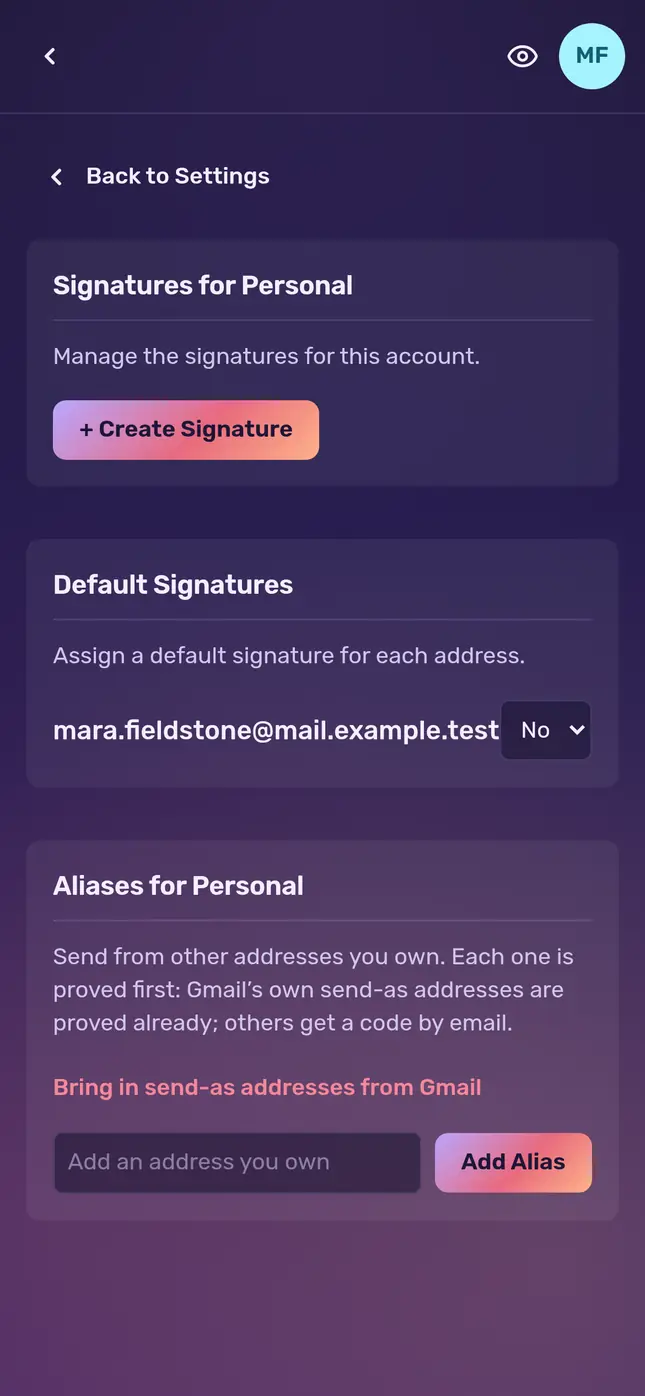
Gmail, iCloud, Yahoo, AOL and your own domain side by side, each in its own colour. Write from whichever address you choose.
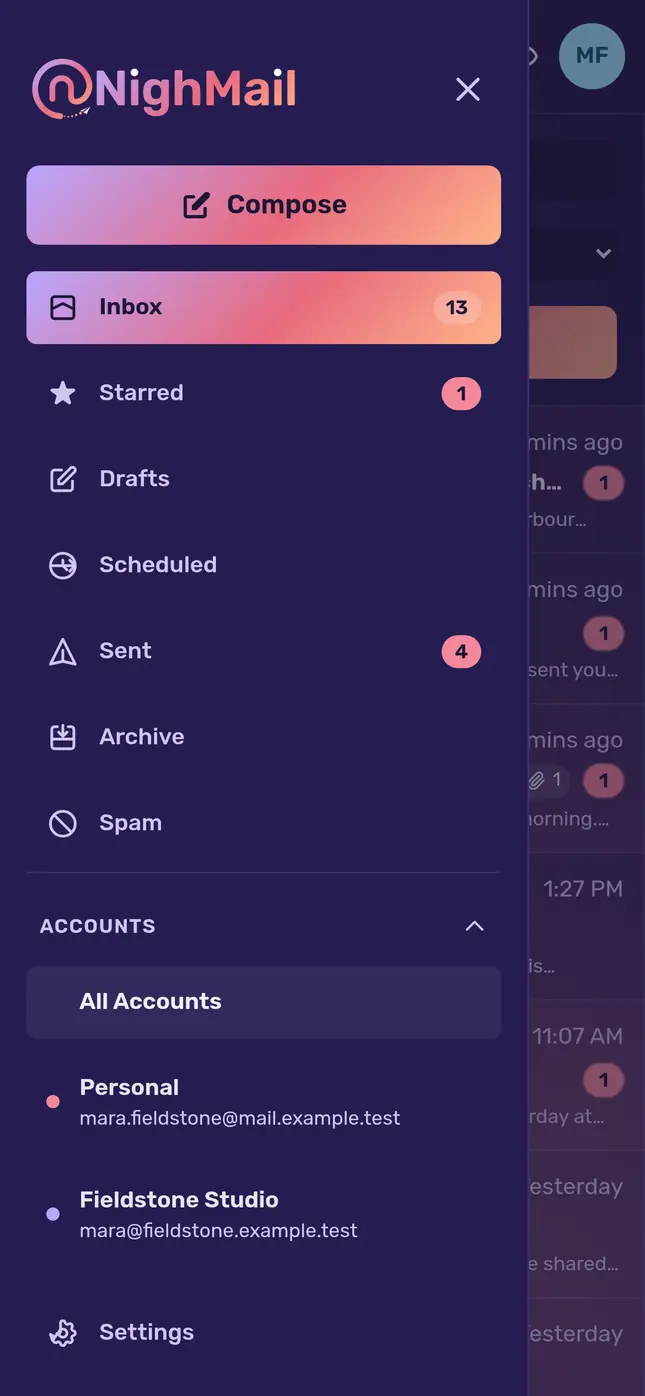
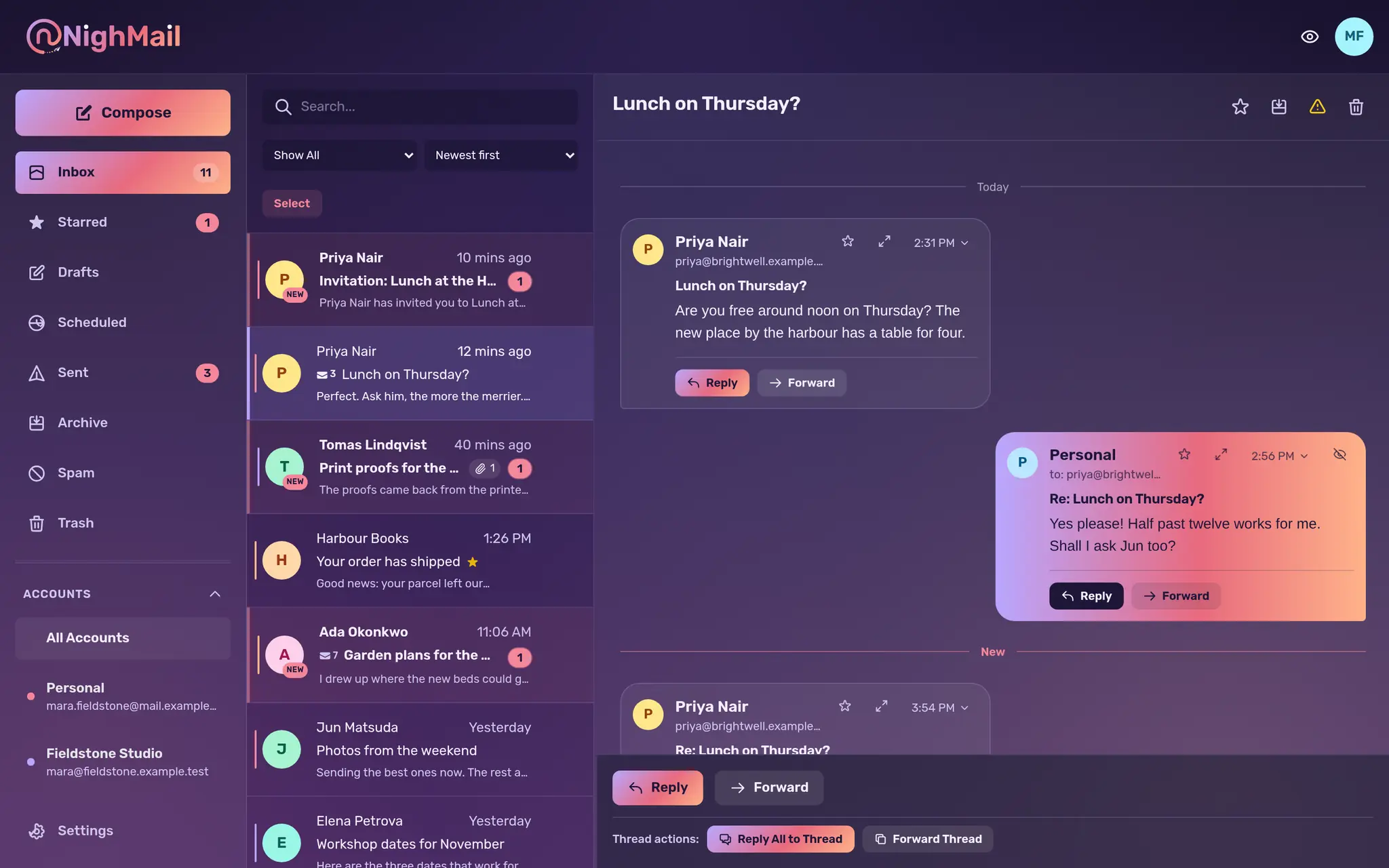
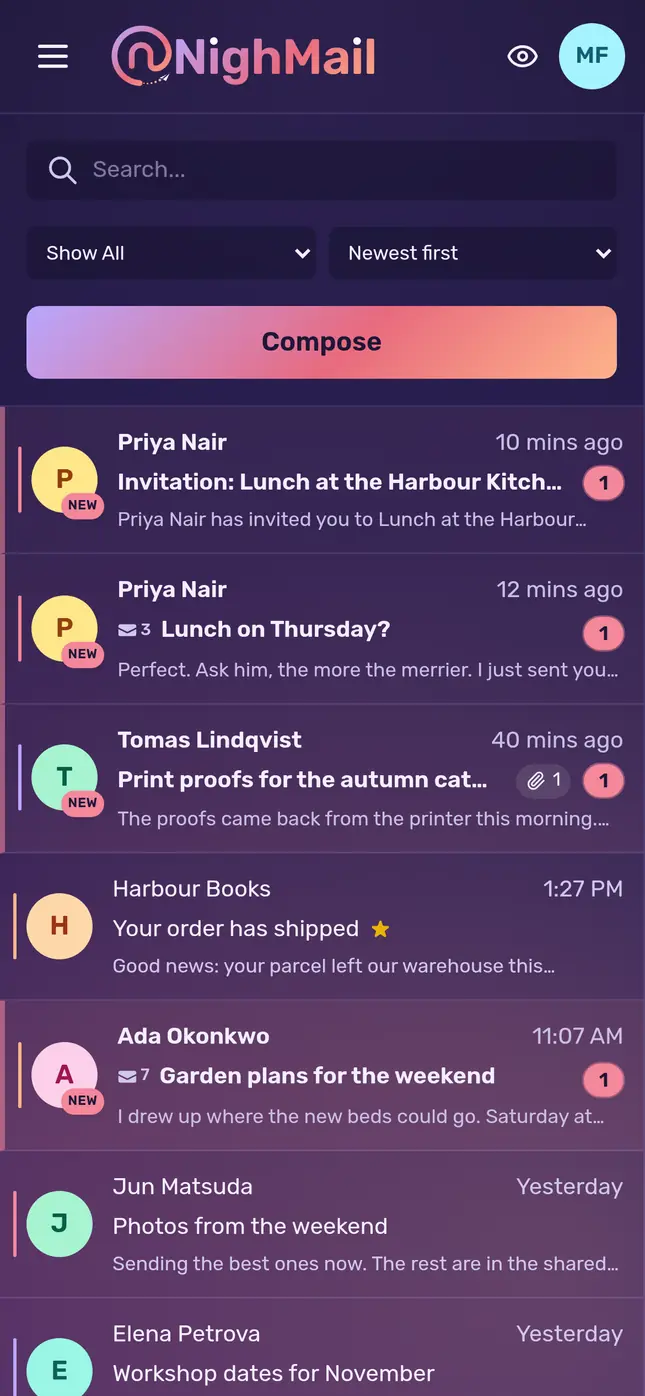
Read, answer and sort all your mail in one place. Conversations read like a chat, and pictures from the internet stay hidden until you say so.
Works in your browser, on any computer or phone
Read receipts
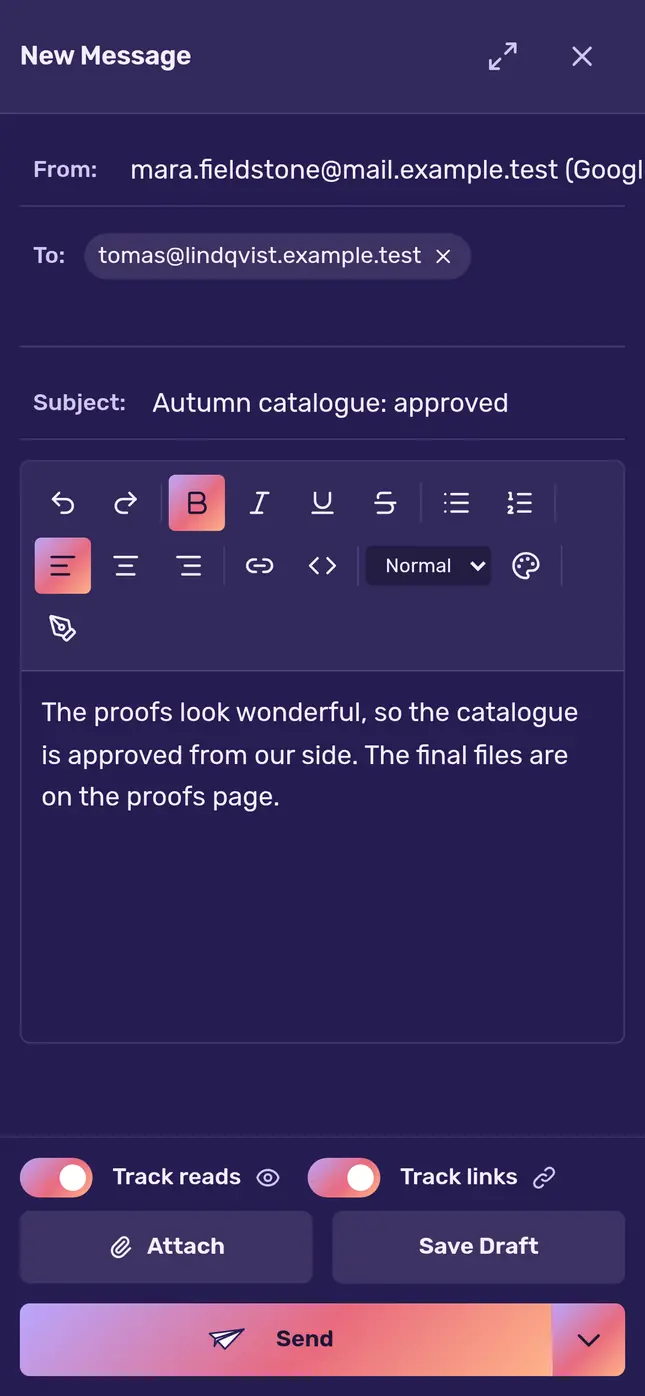
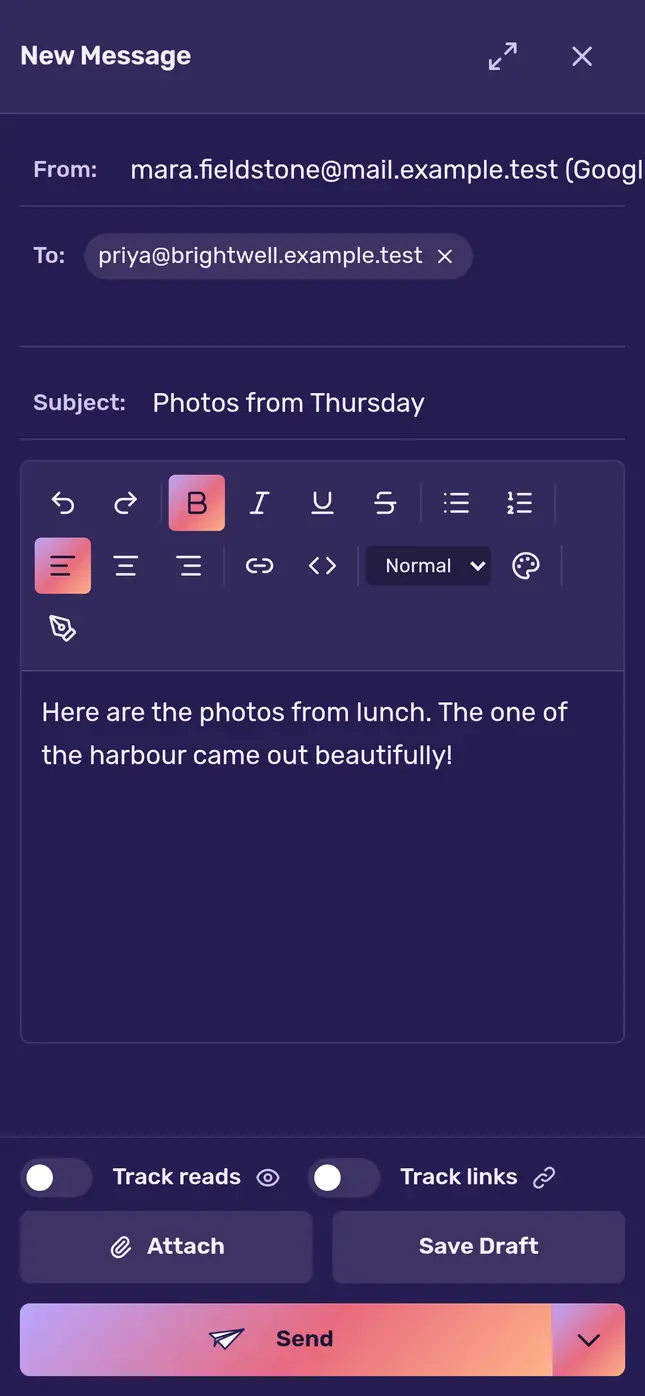
Switch on Track reads when you write a new email, and NighMail shows you when it’s opened. Switch on Track links as well, and you’ll see when a link in it is clicked.
Work mail in one app, family mail in another, an old address in a third. You check them one by one, and something always waits in the one you forgot. NighMail brings them together in one inbox.
Every mailbox you connect lands in one inbox, and NighMail keeps each of them in step.
Gmail, iCloud, Yahoo, AOL and your own domain side by side, each in its own colour. Write from whichever address you choose.
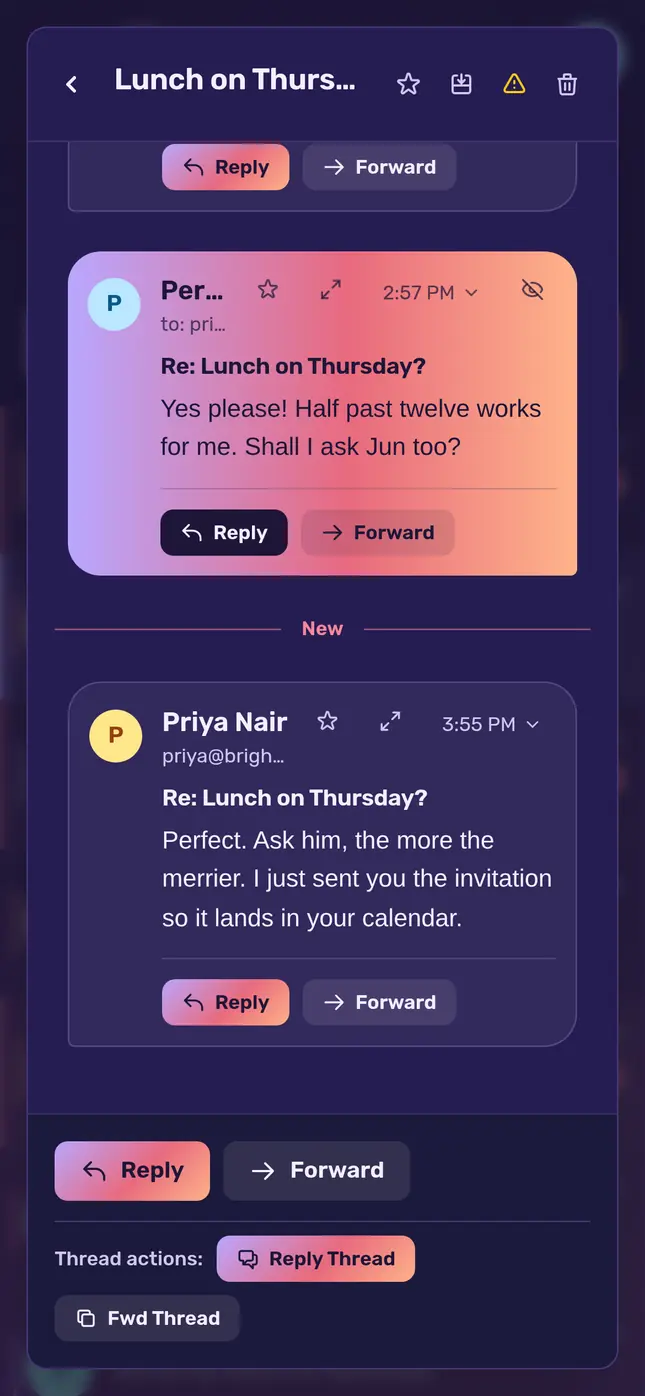
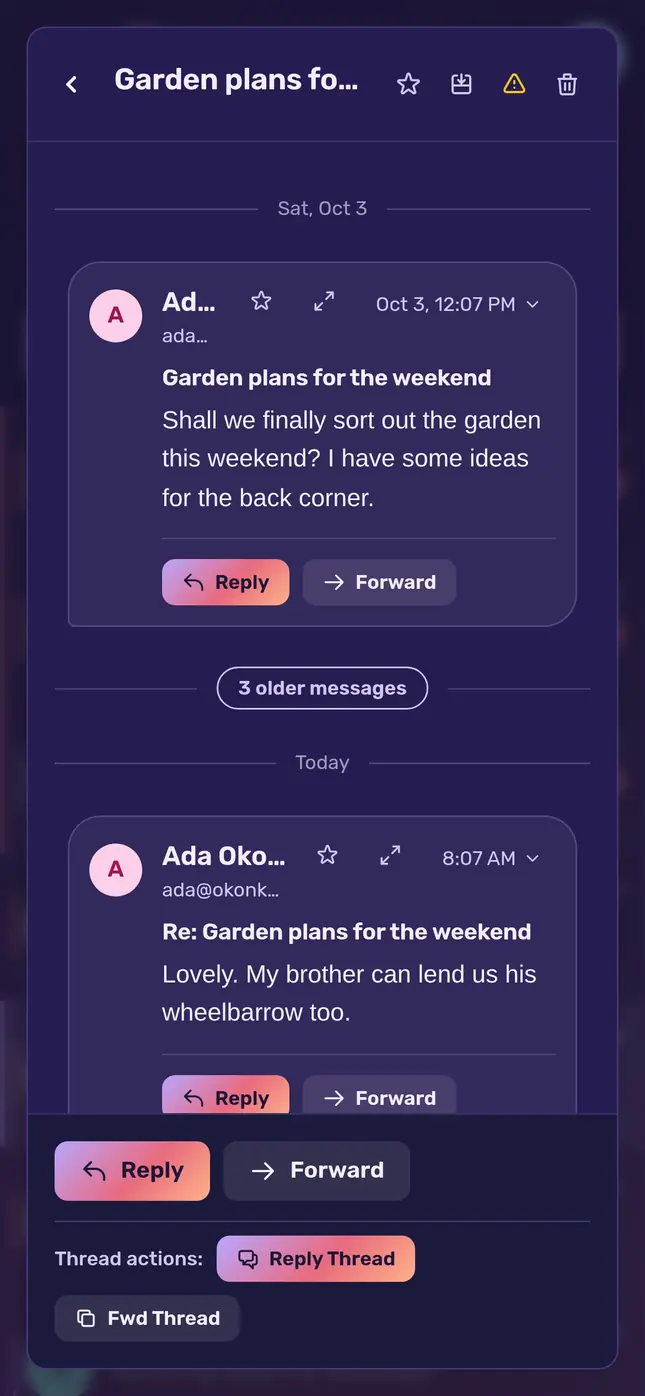
Replies sit together and read like a chat. The history each reply quotes folds away, and long threads open at what’s new.
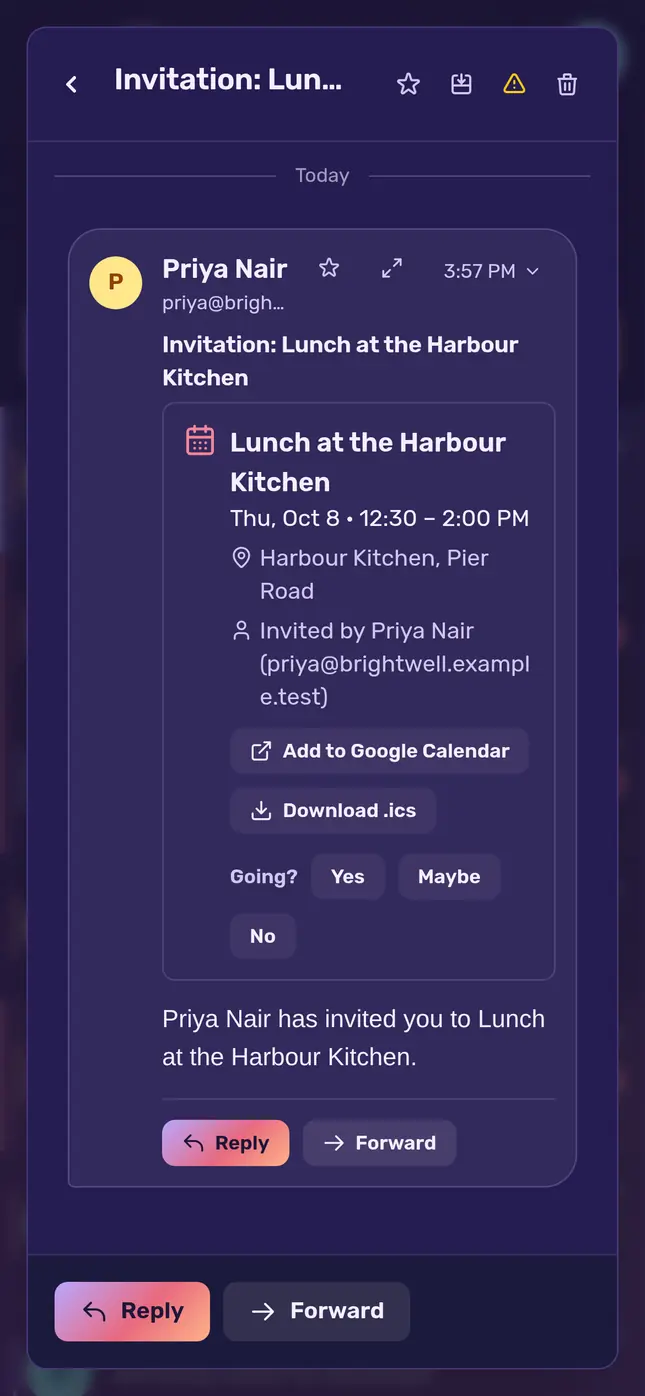
Calendar invitations show what, when in your own time, and where. Answer yes, maybe or no, or add the event to your calendar.
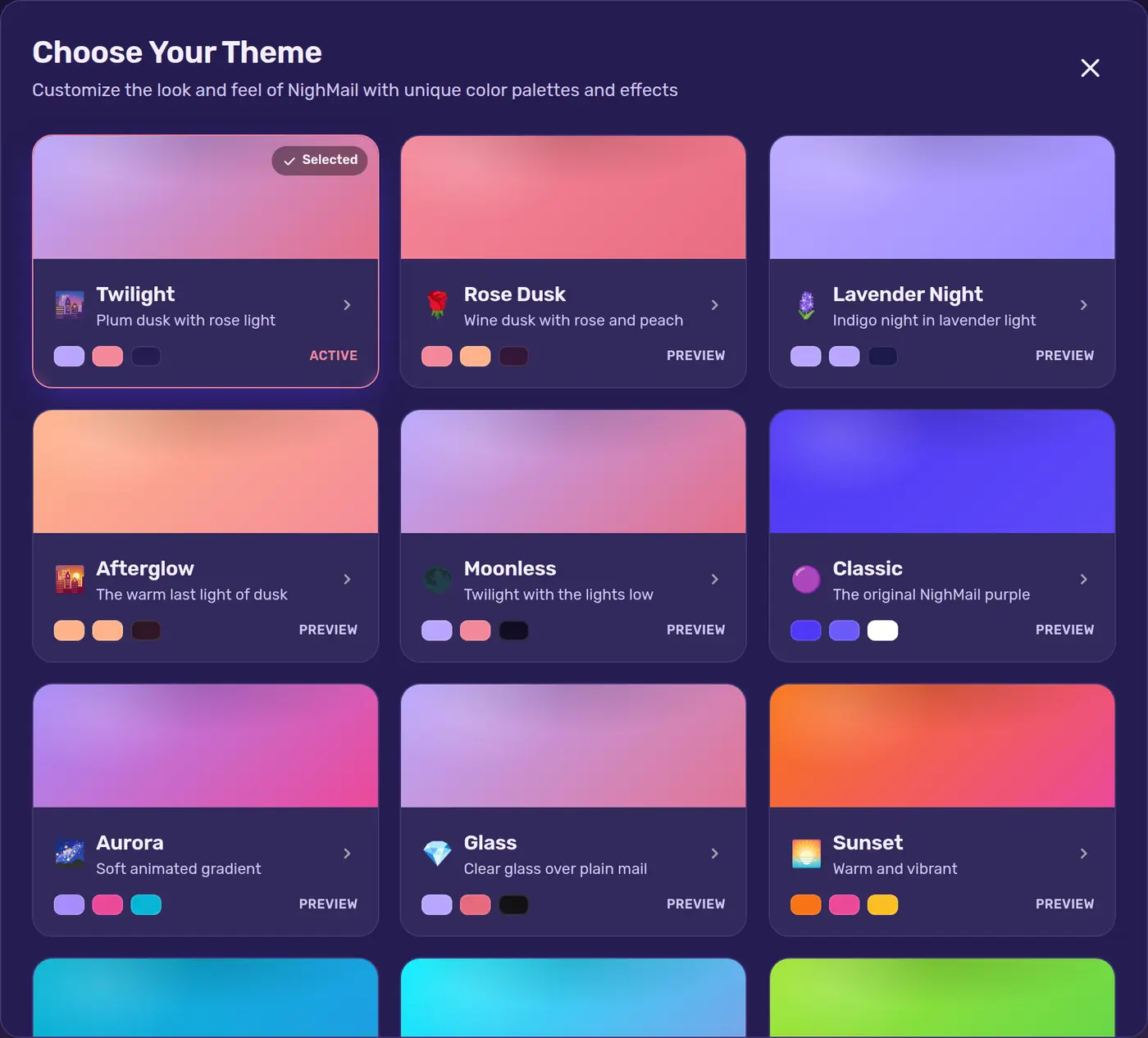
Thirteen themes, from Twilight’s dusk to Sahara Oasis, and a theme builder for colours of your own. These five are in NighMail’s own colours.
TwilightPlum dusk with rose light
Send later
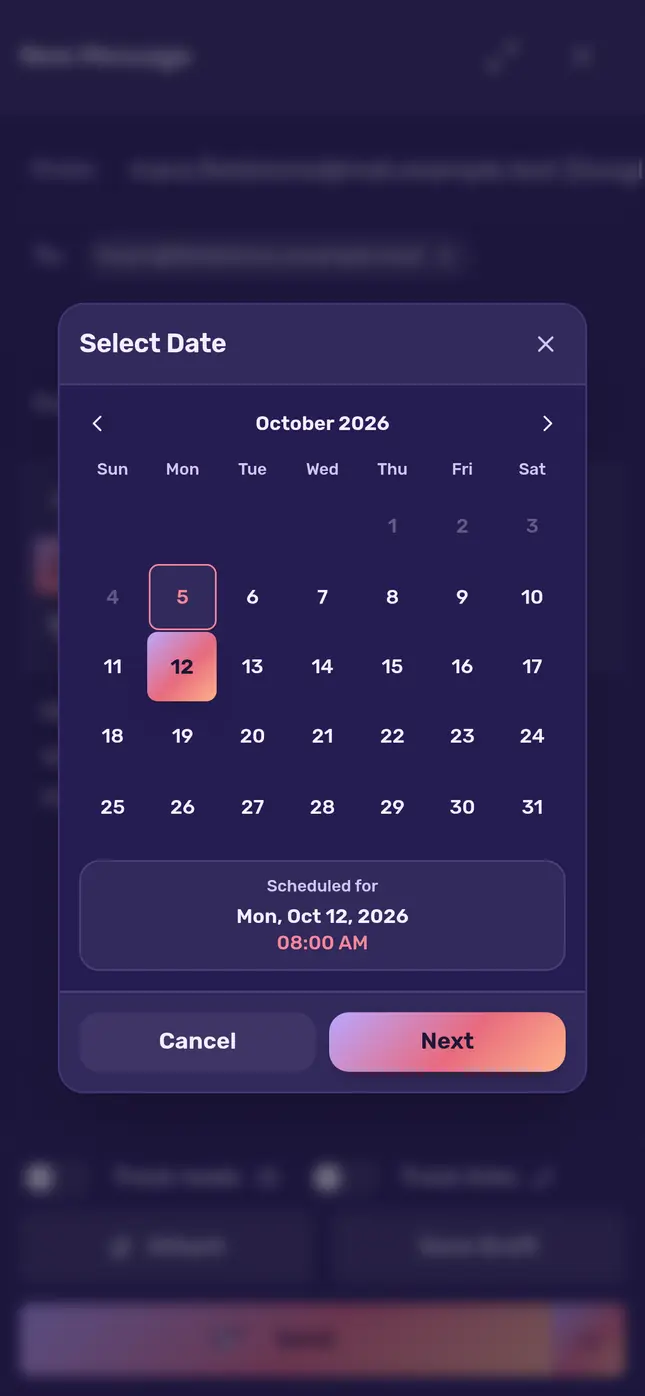
Write when it suits you and choose when it goes. NighMail sends it at that moment, from the address you picked, with everything attached.
The small things that keep your inbox calm and your reading private.
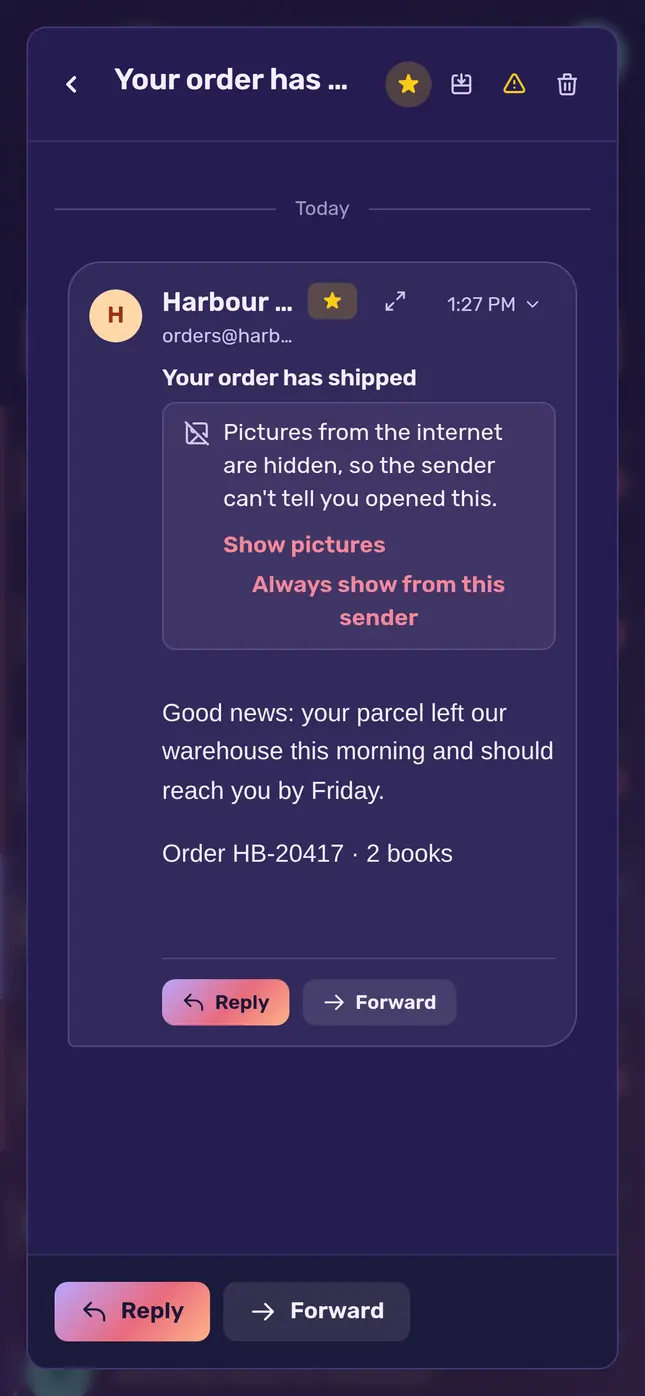
Want to stay invisible? Switch on Block pictures from the internet and pictures stay hidden until you show them or trust the sender, so nobody can tell when you opened their email.
Off unless you switch them on for a message you send. When Gmail or Apple Mail opens a message on someone’s behalf, NighMail says so instead of calling it a read.
Six or more messages fold to the first and the last three. New mail opens under a New line, right where you left off.
NighMail also has these, on the web and on your phone:
Getting started
Privacy
NighMail keeps a copy of your mail only to show it to you, on the web and on your phone. We never sell your data, never show ads, and never use your mail to train AI. People don’t read your mail.
When you connect a Gmail account, NighMail asks Google for these permissions and uses each one only for what it says here: to show you your mail and to do what you ask with it.
We use Google data only to provide the NighMail features you see and use. We never use it for advertising, never sell it, and never use it to develop, improve or train AI or machine-learning models.
NighMail’s use and transfer to any other app of information received from Google APIs will adhere to the Google API Services User Data Policy, including the Limited Use requirements.
You can take NighMail’s access away at any time at myaccount.google.com/permissions. The privacy policy says everything NighMail keeps and why.
| Permission | What NighMail does with it |
|---|---|
Read, organise, send and delete your Gmailmail.google.com | Shows your mail; keeps read, starred, labels, archive and trash the same in Gmail and in NighMail; saves your drafts and sends the messages you write, from your Gmail address. With read receipts on, it sends each person their own copy through Gmail’s mail server, so a receipt can say who opened it. Mail is deleted for good only when you choose Delete forever in Trash. |
See your “other contacts”contacts.other.readonly | Finds the profile picture of someone who writes to you, to show next to their name. |
See your name and email addressuserinfo.emailuserinfo.profile | Names the account in NighMail. |
Questions
Gmail, through Google’s own sign-in, and iCloud, Yahoo, AOL, work email or any other mailbox that offers IMAP and SMTP, with its address and password. Yahoo, AOL and iCloud ask for an app password, which you make in that account’s security settings.
No person reads it, unless you ask us to look at specific messages, it is needed to investigate abuse or a security problem, or the law requires it. NighMail keeps a copy of your mail only to show it to you, and never uses it for ads or to train AI.
Only what you see it do: show your mail, keep it in step with Gmail, save your drafts, send what you write, and delete mail for good when you choose Delete forever in Trash. Each permission and what it is for is listed under “How NighMail uses your Google data” on this page.
NighMail works in your phone’s browser at nighmail.com, and you can add it to your home screen. Apps for Android and iPhone are on their way.
Yes. Settings, Account, Download my data gives you one file with everything NighMail keeps about you: your profile, settings, mailboxes, signatures, rules and mail details. Passwords and access keys are never in it.
In Settings, under Account. It is deleted at once with everything NighMail keeps for it, and Google’s access to your Gmail is taken back. Copies in backups follow within about two months.
NighMail is made and run by Techperator LLC. Questions, requests and complaints go to support@nighmail.com.

Bring every mailbox to one calm place tonight.


